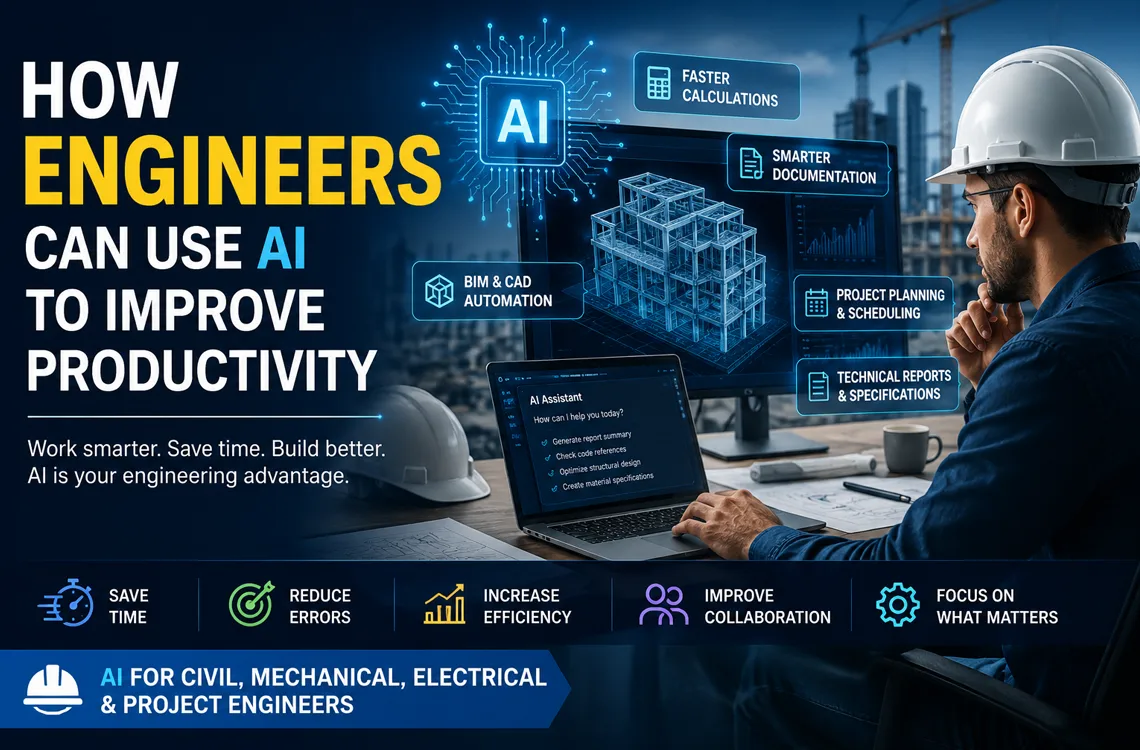
How Engineers Can Use AI to Improve Productivity
Engineering work is full of tasks that are necessary but slow: recalculating after a design change, writing the same kind of report for the tenth time, updating drawings, chasing standards, building quantity takeoffs. Artificial Intelligence (AI) is now taking on the repetitive layer of this work — letting civil, mechanical, electrical, and project engineers spend more time on the engineering and less on the paperwork around it.
This guide looks at how engineers in Lebanon are actually using AI to be more productive: where it helps across disciplines, which tasks it accelerates, and where engineering judgment and accountability remain firmly human.
Less repetition. More engineering.
1. Calculations and Technical Checks
Across every discipline, engineers run calculations and then re-run them when inputs change. AI helps set up, speed up, and sanity-check that work.
- Set up and explain calculation methods, formulas, and unit conversions quickly.
- Generate spreadsheet logic and check it for errors.
- Sanity-check results, flag outliers, and catch inconsistent assumptions.
- Re-run scenarios rapidly when a load, dimension, or rating changes.
Critical point: every AI-assisted result must be verified by the engineer against the relevant code and sound judgment. AI accelerates the work; it does not sign off on it.
2. Technical Documentation and Reporting
A large share of an engineer's week is writing — reports, specifications, method statements, and correspondence. This is where AI delivers the fastest, lowest-risk productivity gains.
- Draft technical reports, specifications, and method statements from notes.
- Summarize long standards, contracts, and supplier documents.
- Standardize formatting, terminology, and structure across a document set.
- Translate and polish correspondence across Arabic, English, and French.
The engineer reviews for technical accuracy, but the first draft — often the slowest part — arrives in minutes.
3. BIM and CAD Automation
For engineers working in Revit and AutoCAD, AI and scripting remove hours of repetitive modeling and drafting.
- Automate repetitive modeling, tagging, and sheet setup in Revit.
- Generate or modify AutoLISP and Python routines with AI assistance.
- Batch-process layers, blocks, schedules, and annotations.
- Reduce manual error in large, coordination-heavy projects.
None of this requires becoming a developer — engineers can start from ready-made scripts and AI help, then build skills gradually.
AI for Revit Users (BIM) | AI for AutoCAD Users
4. Quantity Takeoff, BOQs, and Data Analysis
Quantity surveying and data work are time-consuming and error-prone by hand. AI helps structure and accelerate them.
- Speed up quantity takeoff and BOQ preparation and cross-checking.
- Clean, organize, and analyze project and measurement data.
- Spot patterns, anomalies, and gaps in large datasets.
- Generate summary tables and charts for reports and reviews.
For civil and structural engineers especially, this is one of the highest-impact areas.
Explore the AI for Civil Engineers course »
5. Project Planning and Coordination
Project engineers and managers use AI to keep complex work organized and moving.
- Draft and refine schedules, work breakdowns, and task lists.
- Summarize meeting notes into clear actions and decisions.
- Draft progress reports, RFIs, and status updates faster.
- Research standards, methods, and precedents quickly.
What AI Does Not Do
AI does not take engineering responsibility. It does not understand site conditions it has not been told about, guarantee code compliance, or replace the stamped judgment of a qualified engineer. It can be confidently wrong, which is exactly why every output needs review.
The engineers getting the most value treat AI as a fast assistant for drafting, checking, and automating — while keeping verification, compliance, and accountability firmly in human hands.
Getting Started as an Engineer in Lebanon
The most practical approach is to adopt AI one workflow at a time. For most engineers, documentation and reporting are the safest, highest-impact starting points, followed by BIM/CAD automation and quantity/data work.
Structured, hands-on training shortens the learning curve. ETC Expertise Training Center offers AI courses built around real engineering workflows, with practical exercises rather than theory alone.
Recommended AI Courses for Engineers
- AI for Civil Engineers — calculations, BOQs, reports, specifications, and engineering productivity.
- AI for Revit Users (BIM) — Revit automation, BIM workflows, and Python scripting.
- AI for AutoCAD Users — automate drafting and documentation with AI and scripting.
- All AI Courses in Lebanon — browse the full range of ETC AI training.
Related Guides
- How Architects Use AI in Lebanon
- AI for Interior Designers: Practical Workflows
- Best AI Courses in Lebanon 2026
Conclusion
For engineers, AI is a productivity tool — clearing away repetitive calculation, documentation, drafting, and data work so there is more time for actual engineering. It does not replace the engineer or carry responsibility for the design; it makes the engineer faster and frees up judgment for where it matters.
Engineers who learn these tools now will deliver faster, document better, and reduce errors across their projects. Explore ETC's AI training programs and start applying AI to your own engineering workflow.
Frequently Asked Questions
How can engineers use AI to be more productive?
Engineers use AI to speed up calculations and checks, draft and review technical documentation, automate repetitive BIM and CAD tasks, support project planning and scheduling, research standards, and generate first-draft reports and specifications.
Can AI be trusted for engineering calculations?
AI is useful for setting up, speeding up, and sanity-checking calculations, but every result must be verified by the engineer against codes and sound engineering judgment. AI assists the work; it does not carry professional responsibility for it.
Do engineers need programming skills to use AI?
Not to start. Many AI tools and assistants require no coding. Basic Python or Dynamo scripting helps automate Revit and AutoCAD workflows and can be learned gradually as needed.
Which engineering tasks benefit most from AI?
The biggest gains come from repetitive and document-heavy tasks: technical reports, specifications, BOQs and quantity takeoff, drawing and model automation, data analysis, and routine correspondence.
Where can engineers in Lebanon learn AI?
ETC Expertise Training Center offers practical, hands-on AI courses for engineers in Lebanon, including AI for Civil Engineers, AI for Revit Users, and AI for AutoCAD Users.