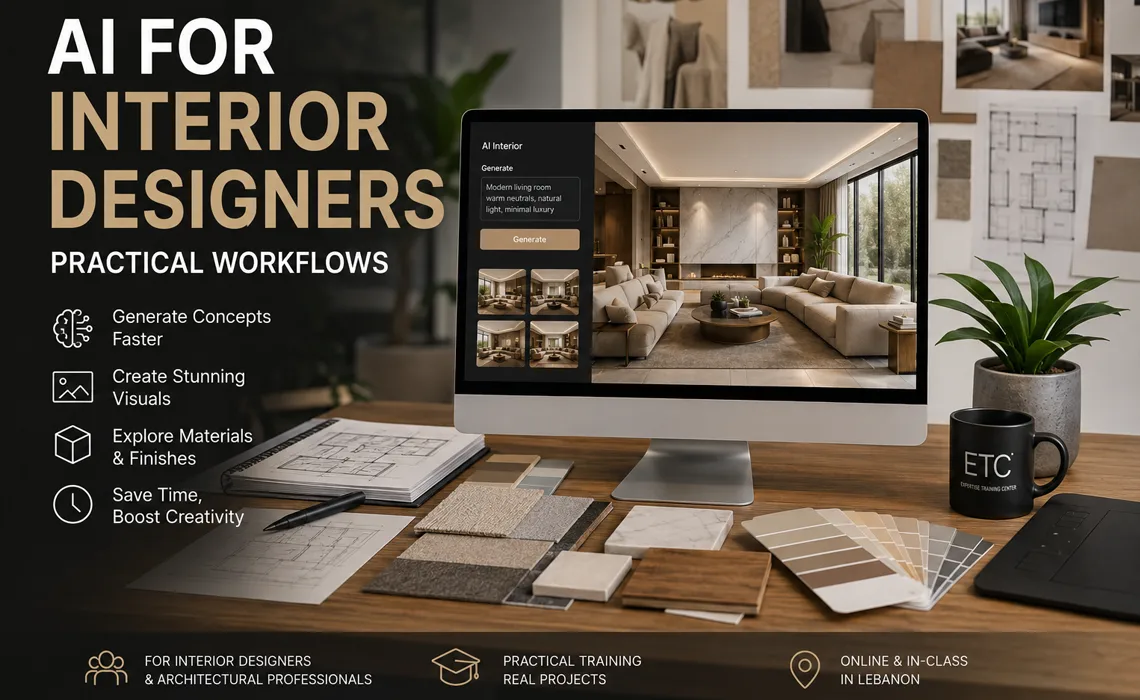
AI for Interior Designers: Practical Workflows
Interior design is a visual, iterative, client-driven discipline — and that makes it one of the fields where Artificial Intelligence (AI) delivers the most immediate, practical value. From the first moodboard to the final presentation render, AI now sits inside the design process, removing the slow parts so designers can spend more time on taste, detail, and the client relationship.
This guide walks through the real workflows interior designers in Lebanon are using today: where AI fits, what it accelerates, and where the designer's judgment remains irreplaceable.
From brief to presentation, faster.
1. Moodboards and Concept Direction
Every project begins with mood — the feeling a space should evoke before a single piece of furniture is chosen. AI image tools let designers translate a client brief into visual direction in minutes instead of hours of stock-image hunting.
- Turn a written brief ("warm minimalist, oak, soft light") into visual references instantly.
- Generate cohesive moodboards across multiple rooms or a whole concept.
- Test contrasting directions side by side before committing to one.
The designer still curates and edits — AI widens the pool of ideas, but taste decides what stays.
2. Concept Visualization and Rendering
Rendering is where interior designers feel AI's impact most. Photorealistic visuals that once required hours of setup can now be generated and iterated in a fraction of the time.
- Convert a rough sketch, floor plan, or basic 3D model into a finished interior view.
- Generate the same room in multiple styles, palettes, and lighting conditions.
- Enhance and clean up draft renders for quick client previews.
- Produce atmosphere and mood shots before the model is fully detailed.
In a client meeting, this means showing three palette options live rather than scheduling another review next week.
Explore the Render with AI course »
3. Material, Color, and Finish Exploration
Choosing materials and palettes is central to interior work, and AI accelerates the exploration phase considerably.
- Visualize how a room changes with different flooring, wall, and fabric choices.
- Test color schemes against natural and artificial lighting.
- Generate coordinated palettes from a single reference image or material sample.
Final specifications — supplier, finish, durability, cost — still come from the designer's product knowledge and the project budget. AI shows the possibilities; the designer confirms what is real and buildable.
4. Space Planning and Layout Support
While AI does not replace measured drawings, it helps designers think through layouts and communicate them faster.
- Explore alternative furniture arrangements and circulation options quickly.
- Generate quick layout visuals to discuss flow with clients.
- Use AI assistants to sanity-check clearances, proportions, and standard dimensions.
For technical drawings and BIM coordination, designers working in Revit or AutoCAD can automate the repetitive parts of documentation.
AI for Revit Users (BIM) | AI for AutoCAD Users
5. Client Presentations and Communication
A polished presentation often wins the project. AI helps designers prepare and communicate faster, in the multiple languages common to Lebanese practice.
- Assemble presentation visuals, descriptions, and concept narratives quickly.
- Draft and refine proposals, scopes, and client updates.
- Translate and polish communication across Arabic, English, and French.
- Summarize long supplier documents, briefs, and meeting notes.
What AI Does Not Do
AI does not understand how a family actually lives in a space, judge whether a finish suits a client's lifestyle, or take responsibility for the buildability and safety of a design. It does not replace site visits, supplier relationships, or the experienced eye that knows when a room simply works.
The designers getting the most from AI treat it as a fast, tireless assistant for exploration and production — while keeping taste, judgment, and accountability firmly their own.
Getting Started as an Interior Designer in Lebanon
The simplest way to adopt AI is to start with one stage of your process. For most interior studios, rendering and moodboarding are the highest-impact entry points, followed by documentation and presentation.
Structured, hands-on training shortens the learning curve. ETC Expertise Training Center offers AI courses built around design and visualization workflows, with practical exercises rather than theory alone.
Recommended AI Courses for Interior Designers
- Render with AI — AI rendering, concept visualization, and presentation workflows.
- AI for Revit Users (BIM) — Revit automation and BIM workflows for technical drawings.
- AI for AutoCAD Users — Automate drafting and documentation with AI and scripting.
- All AI Courses in Lebanon — Browse the full range of ETC AI training.
Related Guides
Conclusion
For interior designers, AI is already a practical part of the workflow — speeding up moodboards, transforming rendering, supporting material and layout decisions, and sharpening client presentations. It does not replace the designer's eye; it clears away the slow work so there is more time for design.
Designers who learn these tools now will iterate faster, present better, and win more work. Explore ETC's AI training programs and start applying AI to your own interior design workflow.
Frequently Asked Questions
How do interior designers use AI in their work?
Interior designers use AI to build moodboards, generate concept variations, produce and enhance renderings, explore material and color options, support space planning, and prepare faster client presentations.
Will AI replace interior designers?
No. AI speeds up repetitive and exploratory tasks, but taste, spatial judgment, client understanding, budgets, and buildability still depend on the designer. AI is a creativity and productivity tool, not a replacement.
Do interior designers need technical or programming skills to use AI?
No. Most AI image, rendering, and presentation tools require no programming. Basic automation in Revit or AutoCAD is optional and can be learned gradually for those who produce technical drawings.
Can AI renderings be trusted for client presentations?
AI renderings are excellent for mood, atmosphere, and early concept approval, but they should be reviewed for accuracy. Final dimensions, materials, and specifications must still come from the designer's documentation.
Where can interior designers in Lebanon learn AI?
ETC Expertise Training Center offers practical, hands-on AI courses relevant to interior designers in Lebanon, including Render with AI, AI for Revit Users, and AI for AutoCAD Users.