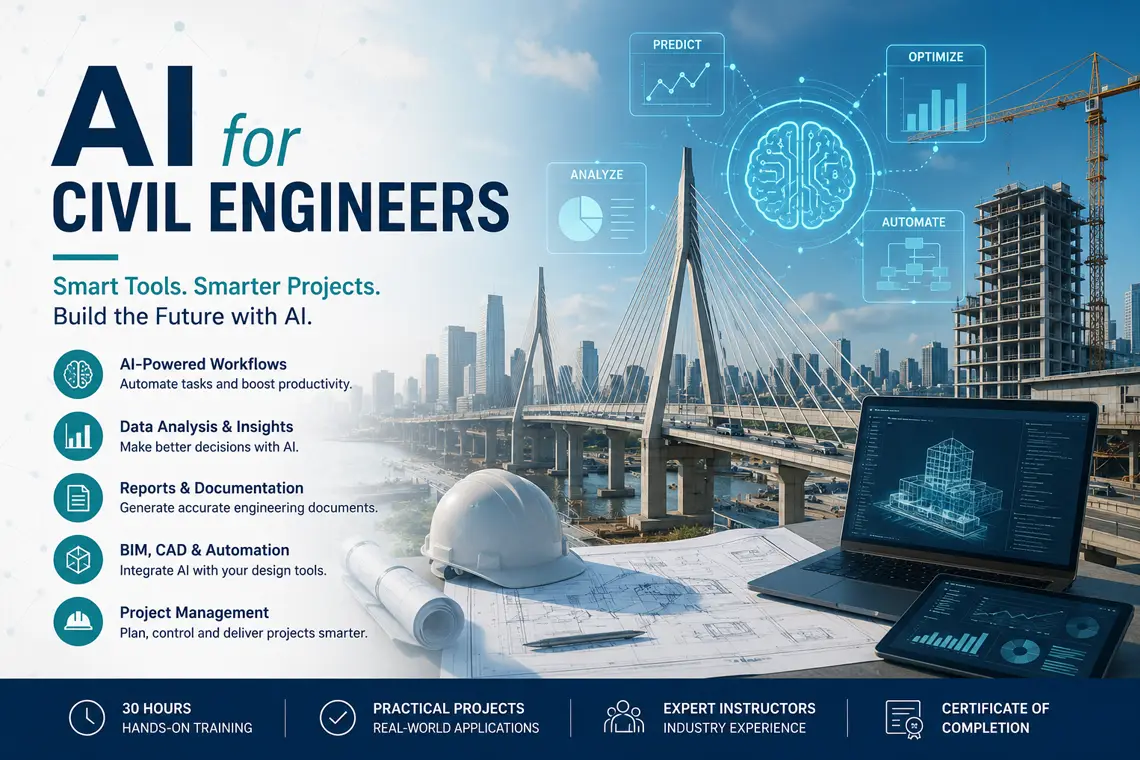
AI for Civil Engineers
Learn how to use modern AI tools, Python, data analysis, and automation workflows to improve civil engineering productivity, reporting, BIM/CAD coordination, construction management, infrastructure analysis, and engineering decision-making.
Duration: 30 hours
Teaching Methodology: Hands-on, project-based
Course Schedule: Schedule
Fees $800
Course Mode: Blended - Face-to-face or online via Zoom
 |
 |
 |
 |
OVERVIEW
This 30-hour course introduces civil engineers to practical Artificial Intelligence workflows that can be used immediately in engineering offices, construction companies, infrastructure projects, and BIM/CAD production environments.
The course starts with the fundamentals of AI, Generative AI, and engineering prompt writing. Students learn how to use tools such as ChatGPT, Google Gemini, Claude, and GitHub Copilot to support engineering documentation, data interpretation, reporting, calculations, quantity checking, and automation planning.
Students are then introduced to the essential Python concepts needed to understand and safely modify AI-generated scripts. The course does not turn civil engineers into full-time programmers; instead, it teaches them how to work intelligently with AI-generated code, check assumptions, test outputs, and adapt automation scripts to real civil engineering problems.
The second part of the course focuses on civil engineering applications: structural and geotechnical support, transportation and surveying workflows, construction management, project control, data visualization, BIM/CAD automation, documentation systems, and responsible AI usage in engineering practice.
AI TOOLS USED IN THIS COURSE
Click below to explore the AI tools, development platforms, and productivity environments used in this course.
AI Tools & Development Platforms
Python Development Environment
Official Python programming language download used for engineering data processing, automation scripting, and AI-assisted workflows.
Code editor used to write, test, review, and organize Python scripts generated with the help of AI tools.
Interactive environment used for data analysis, visualization, engineering calculations, and step-by-step testing of Python workflows.
AI Assistants & Code Generation
Used for engineering prompts, Python scripting, report drafting, code explanation, troubleshooting, and automation planning.
Used for AI-assisted research, multimodal explanation, workflow analysis, and engineering productivity support.
Useful for reading long documents, restructuring reports, analyzing specifications, and improving technical writing.
AI coding assistant used to accelerate Python scripting and help students understand code generation workflows.
Engineering Data, BIM & Automation Workflows
Python library used for cleaning, transforming, and analyzing engineering tables, quantities, schedules, and project data.
Visualization library used to create engineering charts, project-control graphics, and analysis plots.
Used for experimenting with advanced AI models, prompt testing, and automation ideas for engineering workflows.
Used to introduce API-based AI concepts and how AI services can support future engineering automation systems.
BENEFITS OF THIS COURSE
This course helps civil engineers use AI as a practical productivity tool rather than as a theoretical topic. Students learn how to reduce repetitive work, improve technical documentation, analyze project data, and build AI-assisted workflows that support engineering judgment.
Structural engineers can use AI-assisted workflows to organize design checks, generate calculation notes, review assumptions, extract model data, prepare reports, and support QA/QC procedures. The course emphasizes that AI output must always be verified by engineering judgment and applicable codes.
Geotechnical engineers can use AI to organize borehole data, summarize investigation reports, compare soil parameters, prepare structured notes, and support preliminary data interpretation while maintaining professional responsibility for final recommendations.
Transportation and infrastructure engineers can use AI-assisted analysis to summarize traffic data, compare alternatives, organize survey information, prepare planning documents, and create visual summaries for stakeholders.
Construction managers and project engineers can benefit from AI in scheduling support, risk registers, progress reports, meeting minutes, quantity tracking, cost-control tables, claims preparation, procurement follow-up, and project correspondence.
BIM and CAD teams can use AI to support automation planning, script generation, data extraction, report preparation, drawing checks, and workflow documentation across Civil 3D, AutoCAD, Revit, and related engineering platforms.
By the end of the course, students will be able to:
- Use AI assistants effectively for civil engineering tasks.
- Write better engineering prompts and verify AI-generated answers.
- Understand and edit basic AI-generated Python scripts.
- Analyze engineering datasets using Python-assisted workflows.
- Generate technical reports, summaries, and structured documentation.
- Apply AI to construction management, project control, BIM, and CAD workflows.
- Identify the limitations, risks, and ethical responsibilities of AI in engineering.
- Build a practical AI-assisted civil engineering capstone workflow.
COURSE OUTLINE
| Hours | Chapter / Topic | Key Subtopics |
|---|---|---|
| 3 | Introduction to AI for Civil Engineers | AI fundamentals, Generative AI, machine learning overview, civil engineering applications, opportunities, limitations, and professional responsibility. |
| 3 | AI Tools and Engineering Prompting Techniques | ChatGPT, Gemini, Claude, Copilot, engineering prompts, prompt templates, validation methods, and reducing hallucination risk. |
| 3 | Python Fundamentals for AI-Assisted Engineering | Python basics, variables, lists, dictionaries, files, functions, reading AI-generated code, and modifying scripts safely. |
| 3 | AI-Assisted Engineering Documentation and Reporting | Technical reports, specifications, summaries, meeting minutes, correspondence, calculation notes, and document automation. |
| 3 | Data Analysis and Visualization for Civil Engineering | Excel and CSV data, pandas, NumPy, charts, trend analysis, quantity tables, project dashboards, and AI-assisted interpretation. |
| 3 | AI Applications in Structural and Geotechnical Engineering | Design support, calculation checking workflows, geotechnical data organization, soil report summaries, QA/QC, and engineering verification. |
| 3 | AI Applications in Transportation, Surveying, and Infrastructure | Traffic data summaries, infrastructure planning support, survey data organization, GIS concepts, and project-data interpretation. |
| 3 | AI for Construction Management and Project Control | Scheduling assistance, risk logs, progress reports, resource planning, quantity tracking, cost control, and site documentation. |
| 3 | AI Integration with CAD, BIM, and Engineering Automation | AutoCAD, Civil 3D, Revit, BIM data, drawing checks, script generation, workflow optimization, and automation planning. |
| 3 | Capstone Project and Responsible AI in Engineering | Practical project development, AI ethics, data quality, verification procedures, final project presentation, and implementation roadmap. |
AUDIENCE
Civil engineers, structural engineers, site engineers, construction managers, infrastructure engineers, quantity surveyors, BIM/CAD managers, Civil 3D users, Revit users, and engineering students who want to use AI practically in civil engineering workflows.
PREREQUISITES
No prior coding experience is required. Basic computer skills and general knowledge of civil engineering workflows are recommended. Familiarity with AutoCAD, Civil 3D, Revit, Excel, or BIM workflows is helpful but not mandatory.
Certifications & Accreditations
ETC Expertise Training Center is an Autodesk Authorized Training Center (ATC) and a licensed educational institution in Lebanon. Participants receive an international Autodesk Certificate of Completion upon successfully completing Autodesk-authorized training programs.
Students who meet the requirements outlined in ETC's certification roadmap may also qualify for ETC certificates attested by the Lebanese Ministry of Education, providing both internationally recognized training credentials and locally attested professional certification.
Frequently Asked Questions
Do I need programming experience?
No. The course introduces the Python concepts needed to understand, edit, and safely use AI-generated engineering scripts.
Is this course only about ChatGPT?
No. ChatGPT, Gemini, Claude, GitHub Copilot, Google AI Studio, and Python-based tools are used as part of a broader civil engineering workflow.
Related Civil & Infrastructure Courses
This course is part of ETC's Civil & Infrastructure training program in Lebanon. Explore the other courses in the department: