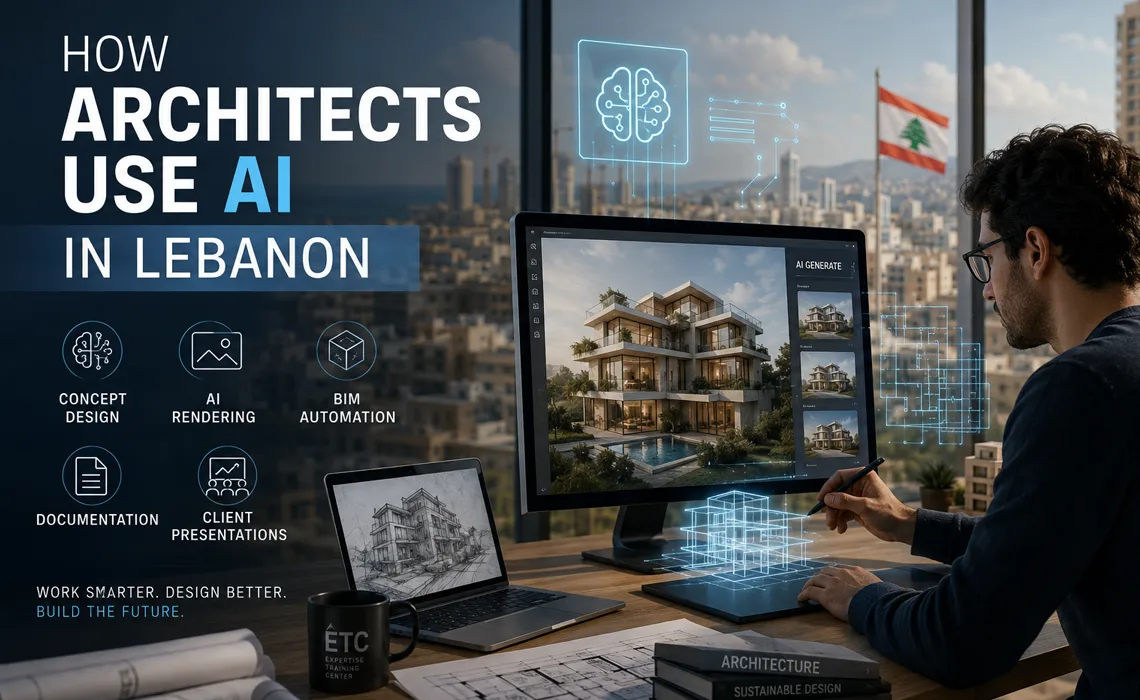
How Architects Use AI in Lebanon
Architecture in Lebanon is changing. Studios that once spent days on a single rendering or a round of concept sketches are now compressing that work into hours. The reason is Artificial Intelligence (AI) — not as a replacement for design thinking, but as a set of tools that remove the slow, repetitive parts of the job and give architects more room to design.
This guide looks at how architects and interior designers across Lebanon actually use AI today: where it fits into the design process, which tasks it accelerates, and which decisions still belong firmly to the architect.
Design starts faster than ever
1. Concept Generation and Early Ideation
The earliest phase of any project is exploration — testing massing, mood, materiality, and form before committing to a direction. AI image tools let architects generate dozens of concept variations from a short text description or a rough sketch, then refine the most promising ones.
- Turn a written brief into visual mood references in minutes.
- Explore many facade, massing, or interior options without modeling each one.
- Build moodboards and reference sheets for client kickoff meetings.
The value here is speed of exploration. Architects still decide which ideas respect the site, the budget, and the brief — AI simply widens the range of options on the table.
2. Rendering and Visualization
Rendering is where most Lebanese studios feel AI's impact first. Traditional rendering pipelines are powerful but slow, and revisions are costly. AI rendering tools shorten that loop dramatically.
- Convert a basic 3D model, sketch, or clay render into a photorealistic image.
- Generate multiple lighting, material, and atmosphere variations of the same view.
- Enhance and clean up draft renders for faster client previews.
- Produce early-stage visuals before the model is fully detailed.
For client presentations, this means more visual options, faster turnaround, and the ability to iterate live in a meeting rather than disappearing for a week.
Explore the Render with AI course »
3. BIM and Revit Automation
Beyond images, AI is increasingly used to automate the technical and repetitive parts of BIM workflows. In Revit especially, tasks that consume hours of manual effort can be scripted and accelerated.
- Automate repetitive modeling, tagging, and sheet-setup tasks.
- Use AI assistants and scripting (Python, Dynamo) to handle batch operations.
- Generate schedules, naming conventions, and parameter updates automatically.
- Reduce human error in large, coordination-heavy projects.
None of this requires becoming a programmer. Architects can start with ready-made scripts and AI assistance, then learn the basics gradually as the need arises.
Explore AI for Revit Users (BIM) »
4. AutoCAD and Drafting Productivity
Even in 2D, AI helps. AutoCAD remains central to documentation in many Lebanese offices, and AI-assisted scripting cuts down the repetitive drafting work that eats into design time.
- Automate repetitive drawing edits and standard detailing.
- Generate or modify AutoLISP and Python routines with AI assistance.
- Batch-process layers, blocks, and annotations across drawing sets.
Explore AI for AutoCAD Users »
5. Documentation, Research, and Communication
A large share of an architect's week is writing, not drawing — specifications, reports, proposals, emails, and client updates. AI chat assistants help here too.
- Draft and refine project descriptions, specifications, and reports.
- Summarize long technical documents, codes, and meeting notes.
- Translate and polish client communication across Arabic, English, and French.
- Research materials, precedents, and regulations more quickly.
The architect remains responsible for accuracy — particularly with local codes and regulations — but the first draft arrives far faster.
What AI Does Not Do
It is worth being clear about the limits. AI does not understand a site the way an architect who has visited it does. It does not weigh a client's budget against their ambitions, navigate Lebanese building regulations, or take professional responsibility for a design.
AI is fast, tireless, and useful for generating options — but judgment, context, ethics, and accountability stay with the architect. The studios getting the most value treat AI as a capable assistant, not an autopilot.
Getting Started with AI as an Architect in Lebanon
The most practical way to adopt AI is to start with one workflow rather than trying to change everything at once. For most studios, rendering is the highest-impact entry point, followed by BIM automation and documentation.
Structured, hands-on training shortens the learning curve considerably. ETC Expertise Training Center offers AI courses built specifically around architectural and engineering workflows, with practical exercises rather than theory alone.
Recommended AI Courses for Architects
- Render with AI — AI rendering, concept visualization, and presentation workflows.
- AI for Revit Users (BIM) — Revit automation, BIM workflows, and Python scripting.
- AI for AutoCAD Users — Automate drafting and documentation with AI and scripting.
- All AI Courses in Lebanon — Browse the full range of ETC AI training.
Conclusion
AI is already part of how forward-looking architects in Lebanon work — speeding up concepts, transforming rendering, automating BIM and drafting, and handling documentation. It does not replace the architect; it removes friction so architects can spend more time on design and less on repetition.
Studios that learn these tools now will move faster, present better, and win work more efficiently than those that wait. Explore ETC's AI training programs and start applying AI to your own architectural workflow.
Frequently Asked Questions
How do architects use AI in their daily work?
Architects use AI to generate early concepts, explore design variations, produce and enhance renderings, automate repetitive BIM and drafting tasks, draft documentation, and prepare client presentations faster.
Does AI replace architects?
No. AI handles repetitive and time-consuming tasks, but design judgment, context, regulations, and client relationships still depend on the architect. AI is a productivity and creativity tool, not a replacement.
Do architects need to know programming to use AI?
No. Most AI design and rendering tools require no programming. Basic scripting with Python or Dynamo can help automate Revit and AutoCAD tasks, but it is optional and can be learned gradually.
Which AI tools are most useful for architects?
Useful categories include AI image and rendering tools for visualization, AI chat assistants for documentation and research, and automation tools for Revit and AutoCAD workflows.
Where can architects in Lebanon learn AI?
ETC Expertise Training Center offers practical, hands-on AI courses for architects in Lebanon, including Render with AI, AI for Revit Users, and AI for AutoCAD Users.